Help centre / Search, reports and exports
Reports and dashboards
Built-in reports, your own dashboards, and choosing dates.
Dates
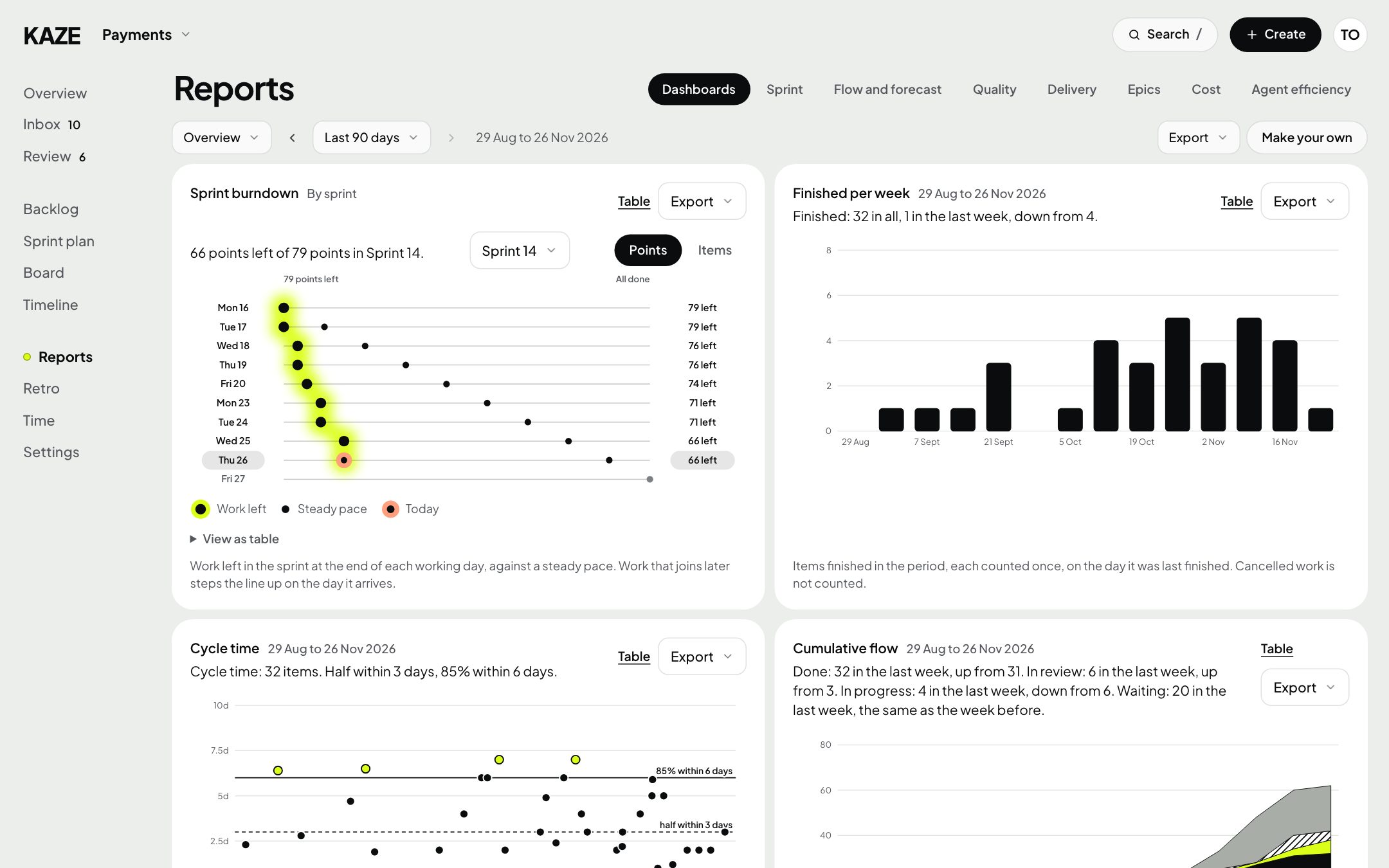
Every report that is not about one sprint has the same date control: recent ranges, a week, month, quarter or year, or your own dates. The arrows step earlier or later. The choice is kept in the page address, so you can bookmark or share it. Reports about now, such as age of open work, say Now and ignore the dates.
Sprint reports
Sprint shows the burndown, in the team's estimates or in items, a burnup, the work by status, and how much each recent sprint planned and finished.
Dashboards
Dashboards gathers reports in one place. Choose Make your own to add built-in reports or build one: choose a measure, a chart, a grouping and the items to include with a KazeQL search. Save it for yourself or share it with the team.
What Kaze never reports
Nothing is ranked or grouped by person, and nothing is measured in points or velocity outside sprint planning.