Help centre / Planning work
Items and the backlog
Initiatives, epics, stories, tasks and bugs, and how to keep the backlog in order.
Kinds of item
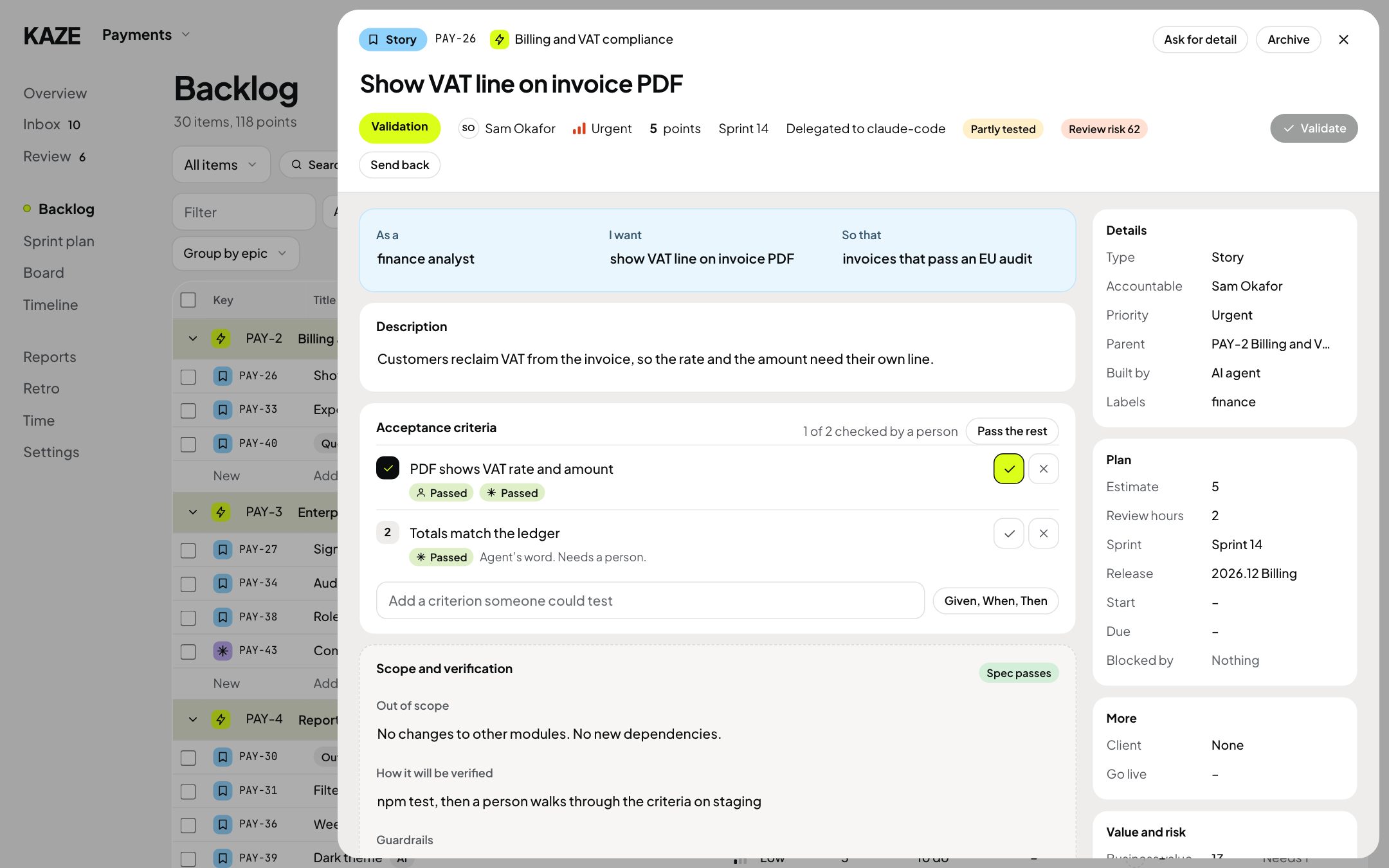
Initiatives hold epics, and epics hold the work itself: stories, tasks, bugs, spikes, debt and impediments. Subtasks sit under a piece of work. Each item has a key, such as PAY-26, that stays with it for good.
Creating an item
Press C, or type a title on the empty row at the bottom of any group in the backlog. Only a title is needed to start.
Keeping it in order
Drag rows to reorder, or use Move up and Move down if you prefer not to drag. Group the backlog by epic, sprint, assignee, priority or status. Select several rows to change them together.
Ready or not
An item shows Ready when it has what this team needs before work starts: acceptance criteria, an estimate if the team estimates, and no open questions. Agents can only start items that are ready.